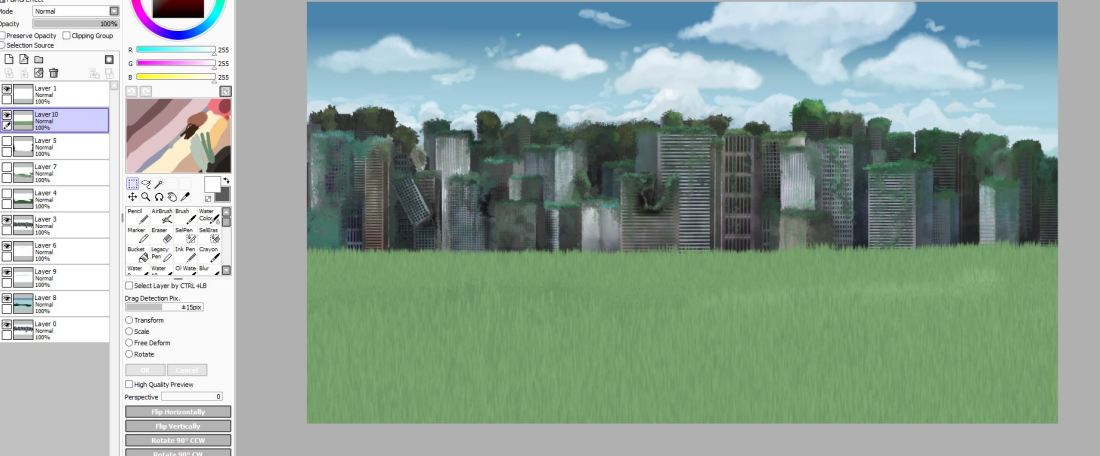
As you can see I simply painted and created my layers in Paint Tool Sai and then for the layers such as the grass, foliage, and clouds, I created these in PaintStorm. So what I did was I would collect all my PNG layers and layer them in PTS to make sure that I was happy with the final look and that there weren’t any mistakes that needed tweaking. After that, I simply saved each file as a separate PNG before adding them into After Effects
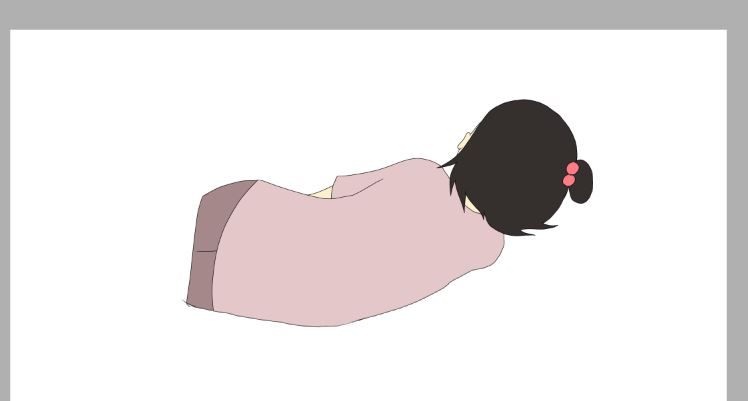
In regards to the animating I would create the animation in TVPaint, go through all the steps such as keyframes and then outlining, however this wasn’t a very hard animation and the main purpose of this was to check out the compositing and to get a sense on what my final piece was going to look like. Once I had rendered and coloured the animated character I would then export it as a PNG animation and import it straight into After Effects. Then after I have all my components I start to layer them up and figure out what adjustments are needed.

 CCH-Animation Degree