Background Process

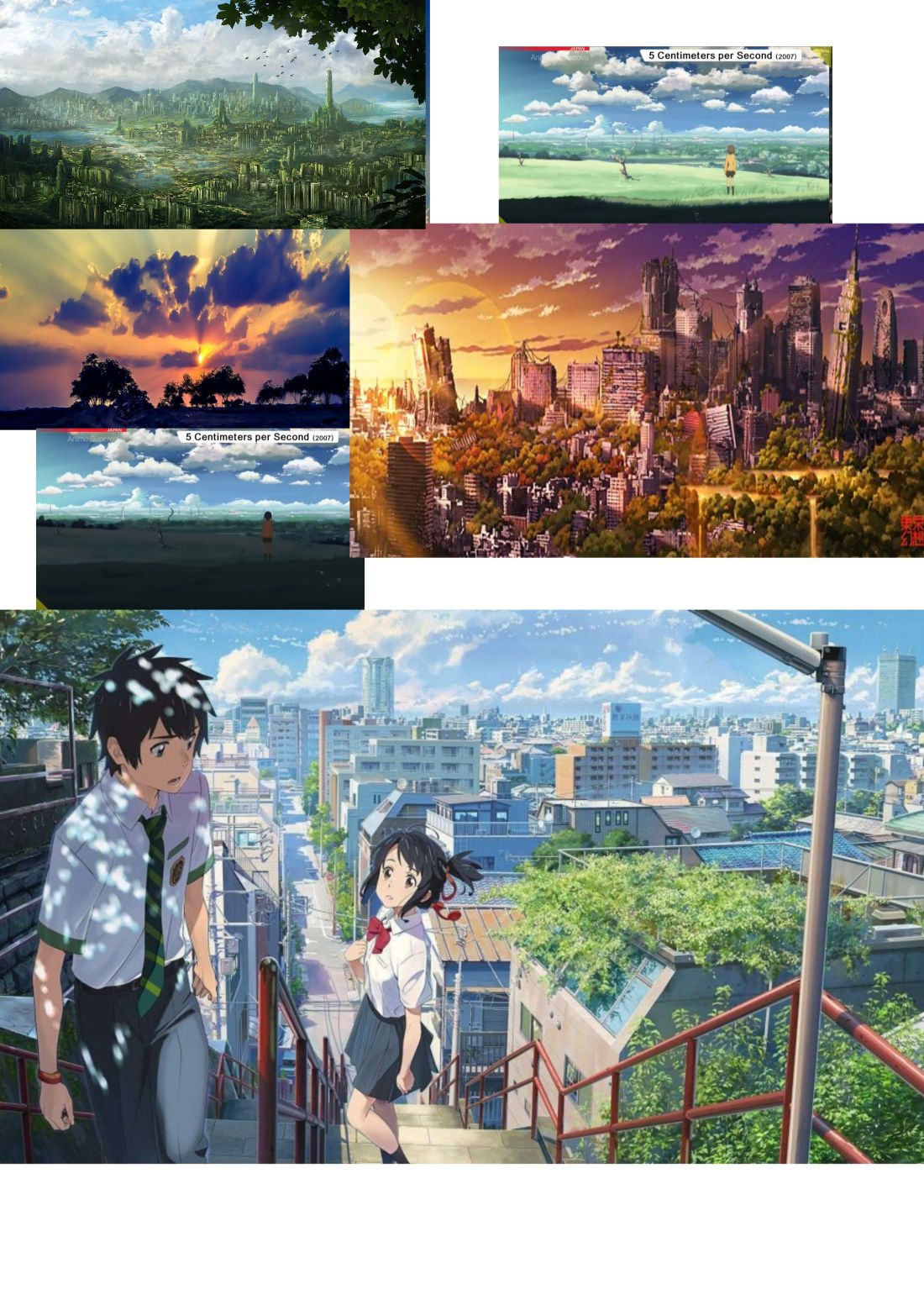
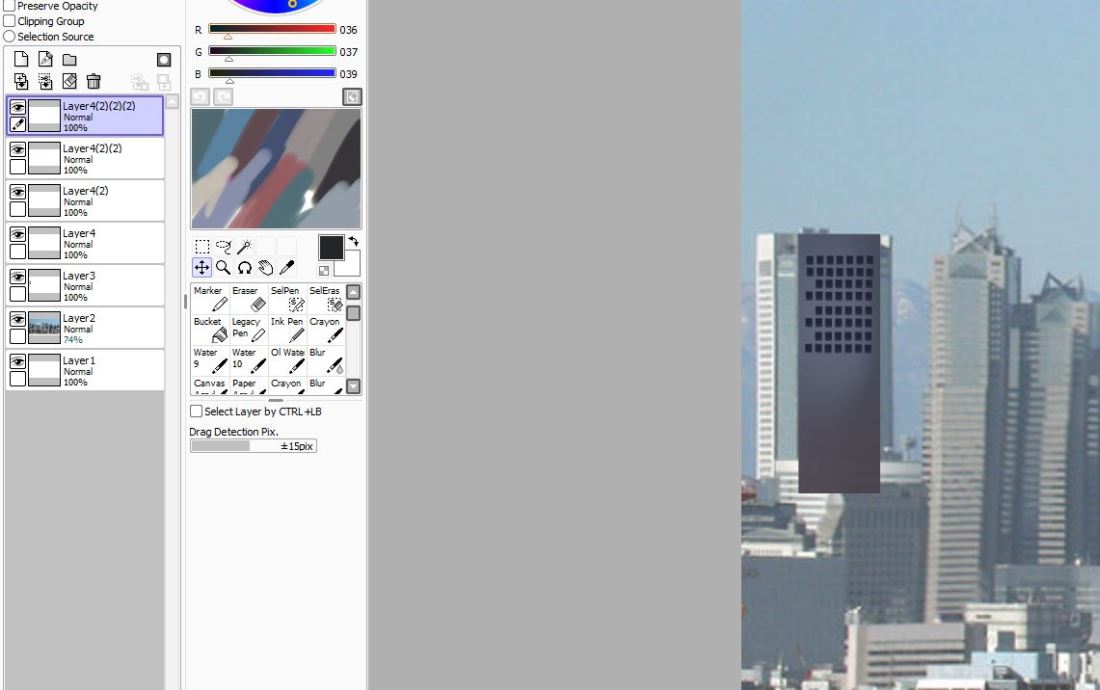
In order to create my backgrounds, I did initially attempt to draw the buildings but they were looking tacky and not of high quality so I felt kind of stumped on how I was going to be able to create my cityscape background. I then started watching a few youtube videos especially the ones on how anime artists create their backgrounds and I realised alot of it was tracing. A lot of the artist would trace the scenery very much like the one below but add their own style and colours to the drawing. I never considered tracing but I realised that this was going to be the most time efficient method for me to use along with the best quality of image.
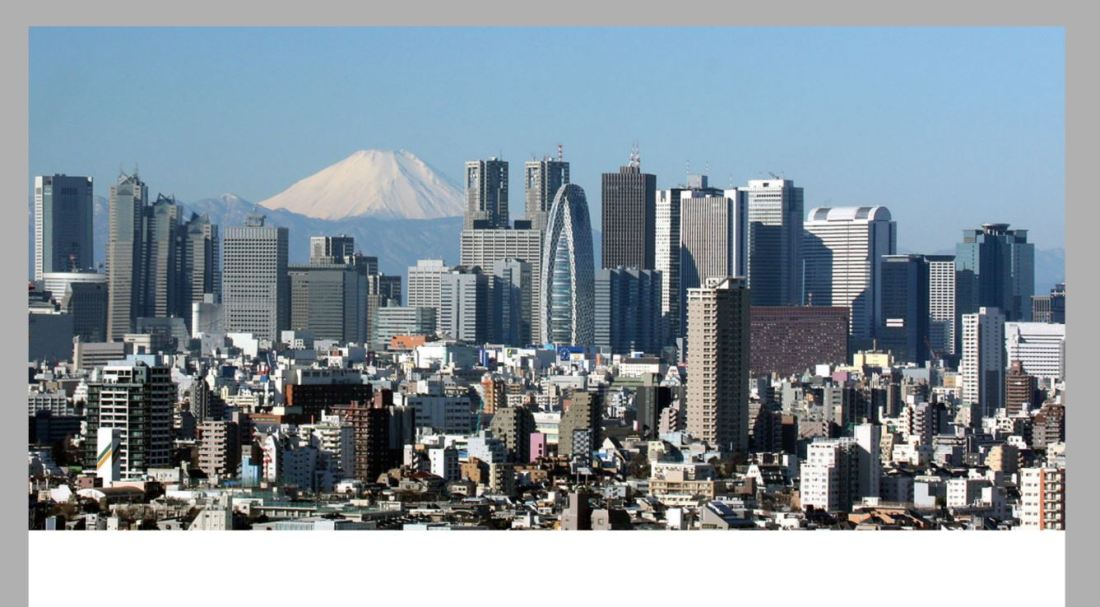
p1.JPG

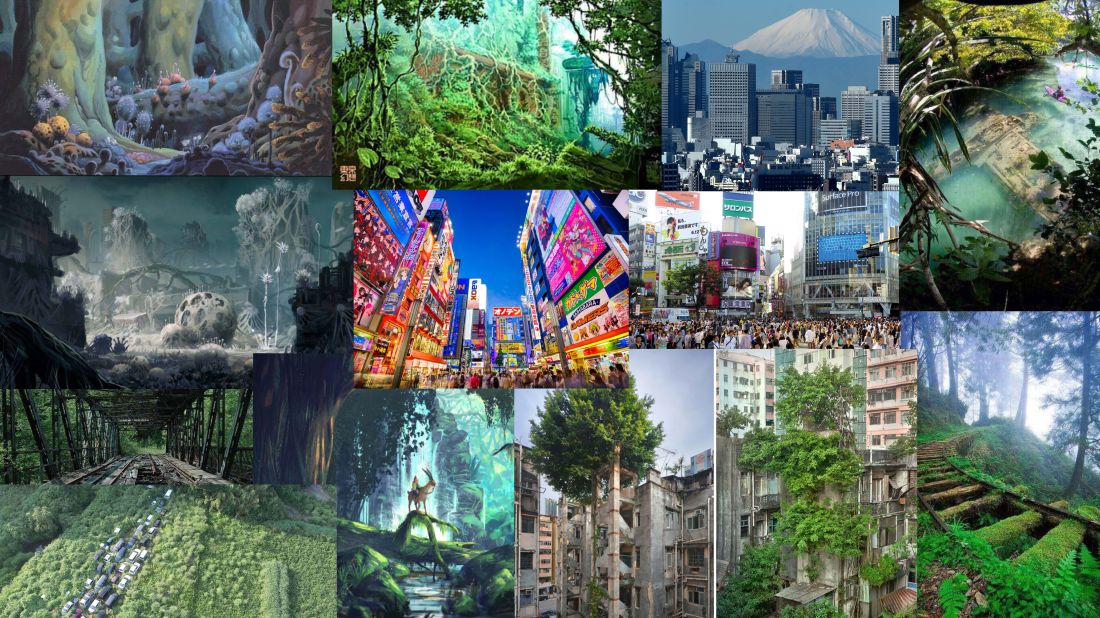
Here is my moodboard for colours and inspiration which I continued to refer to.
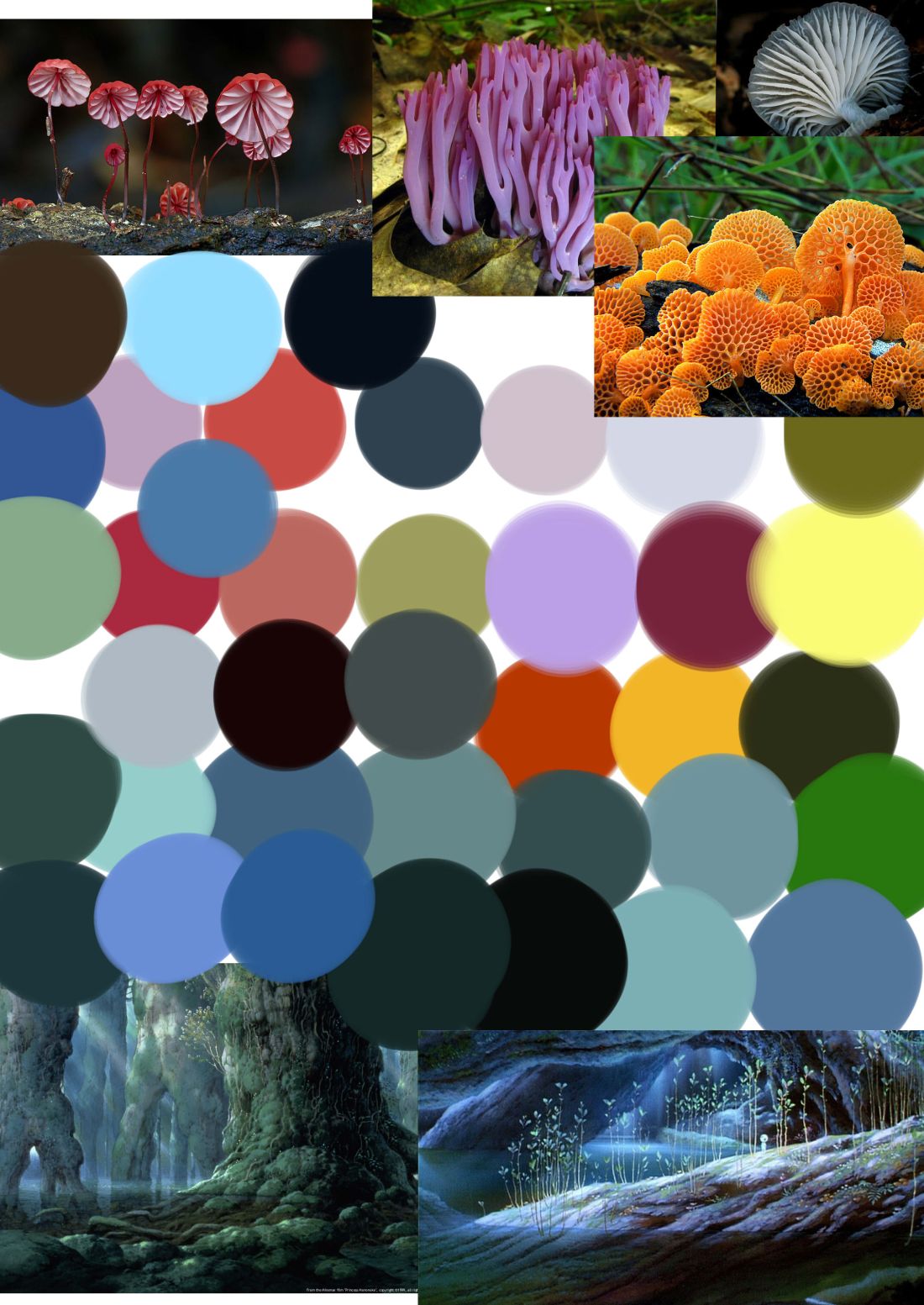
colour chart.jpg

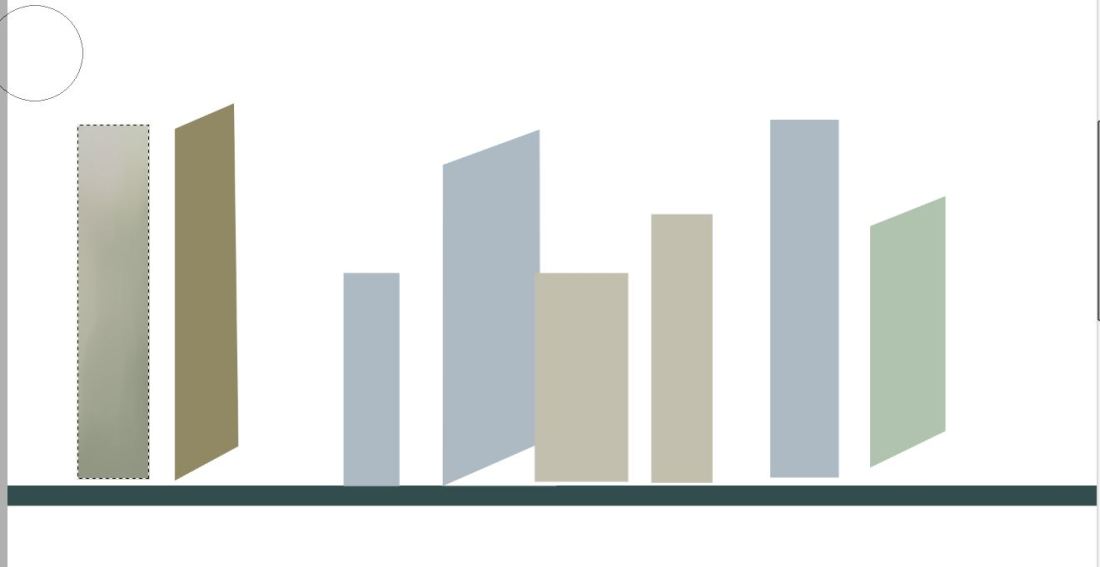
Although using the buildings as a guideline was quicker in some respect, I did still have to make all the tiny windows and shading and layers which was still extremely time consuming.
p2.JPGyutuyguy.JPGyuoiyoyouuo.JPG

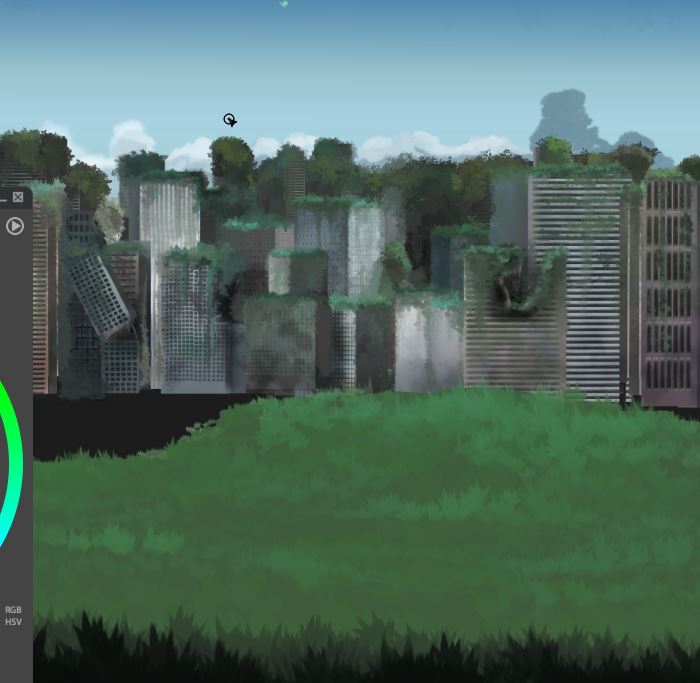
Once I had finished with all my layers and had gone in with the illuminosity and shading tools I took my image into Paintstorm where I added the foliage and the clouds to give the buildings the old and worn down apocalyptic look.
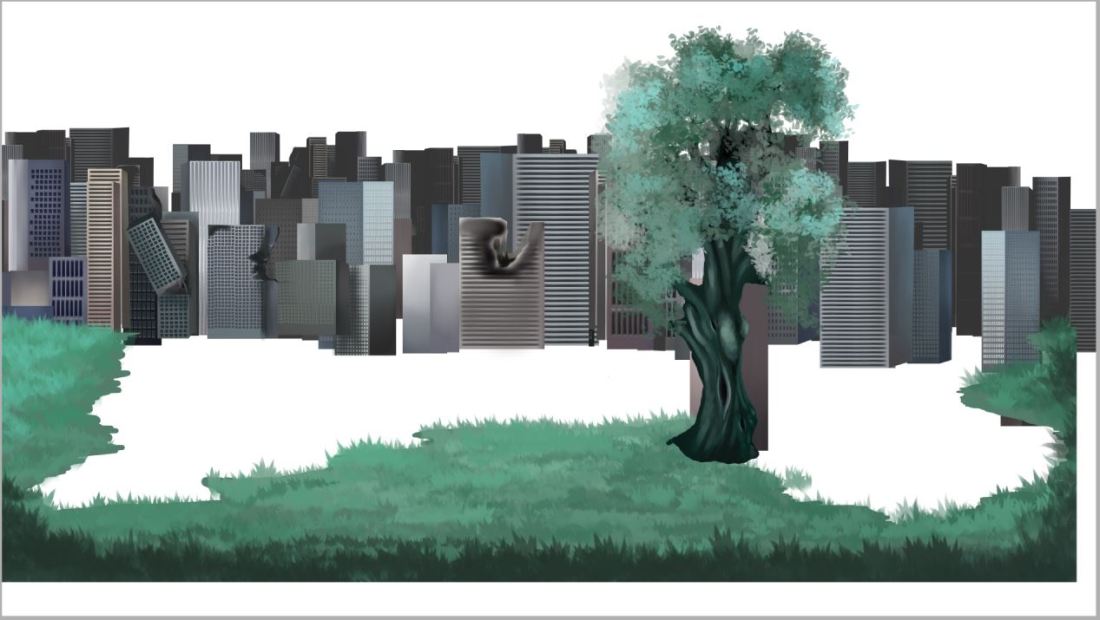
vvbbv.JPG

tutru.JPG

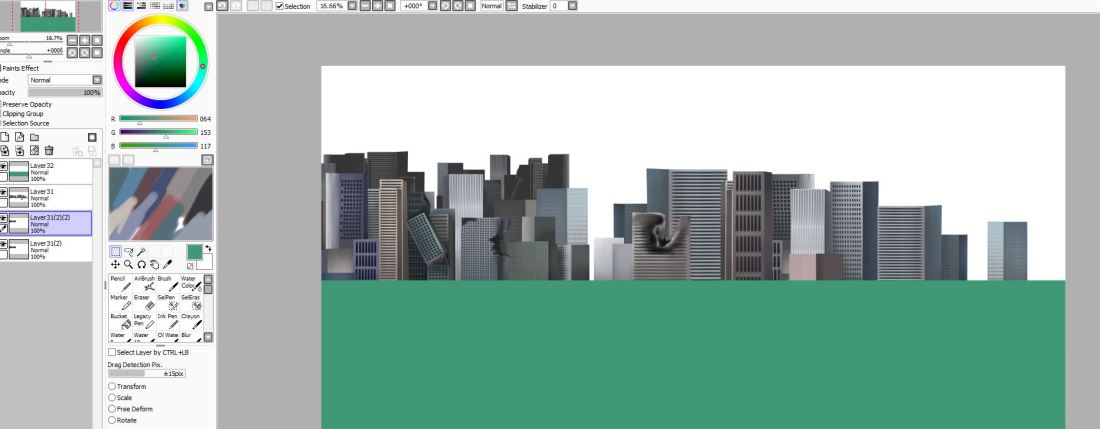
heres a screenshot just to demonstrate how I’ve decided to go about compositing these backgrounds. Each layer is kept separate and is converted into a PNG file where I plan to composite them all together and edit them on After Effects. This way it is so much easier to add realistic light and shadow when you can select the layers seperately.
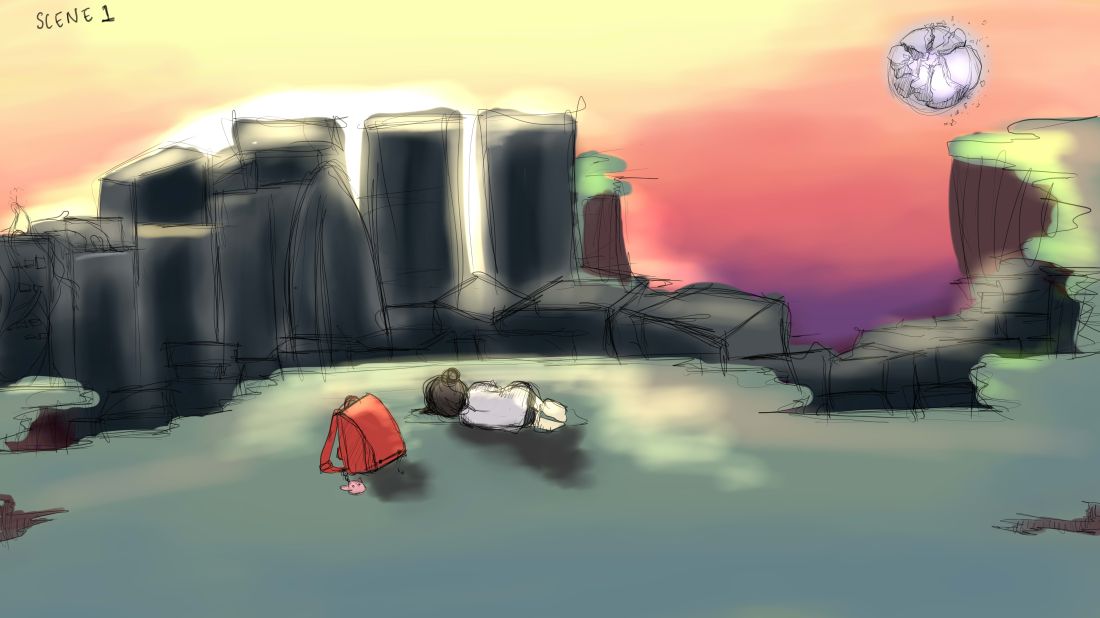
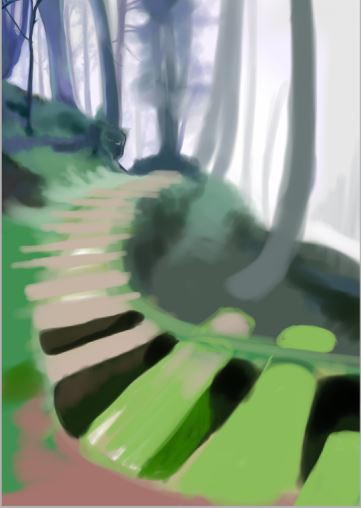
Initial background work

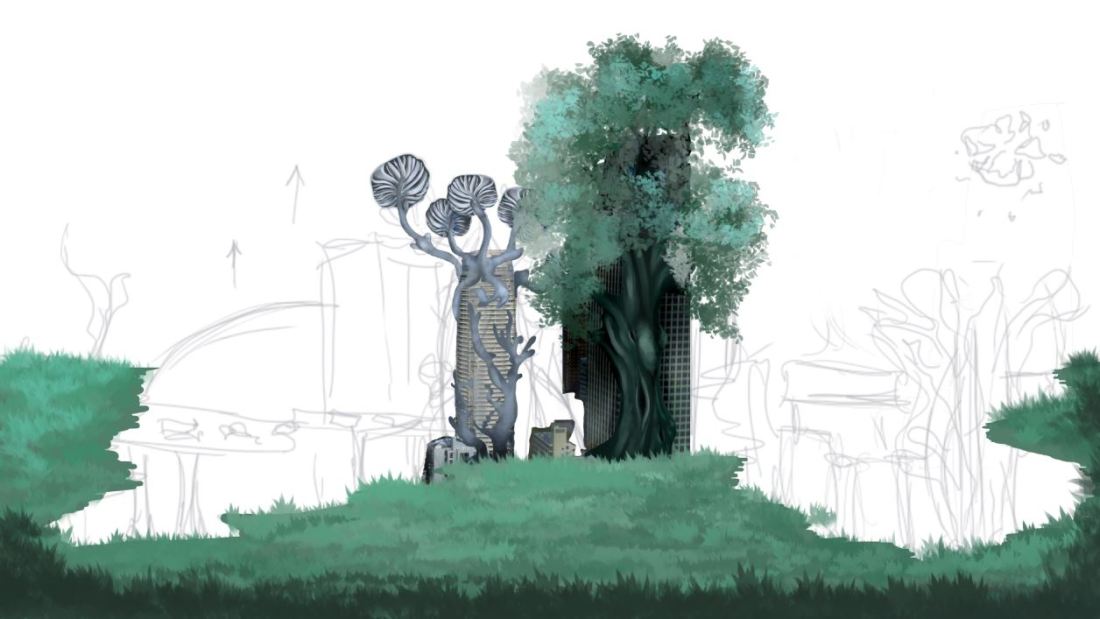
Here I’ve attempted some initial background work to see what kind of colours and textures I want to create for this piece, I played around with different brush settings and software such as Paint Tool Sai and Paintstorm. I continued to reference my mood board and other inspirations throughout. What I’m figuring out now is how exactly I want to digitally paint these backgrounds s there are so many different ways of going about it.

I was not expecting backgrounds to be so tricky, not only do you have to figure out the colours and the sizing but also the perspective which i struggled with a few times.

scene one sketch and colour.jpg

r7.JPG


q9.JPG


moodboard for scenes.jpginspo.jpg

Redesigned Storyboard

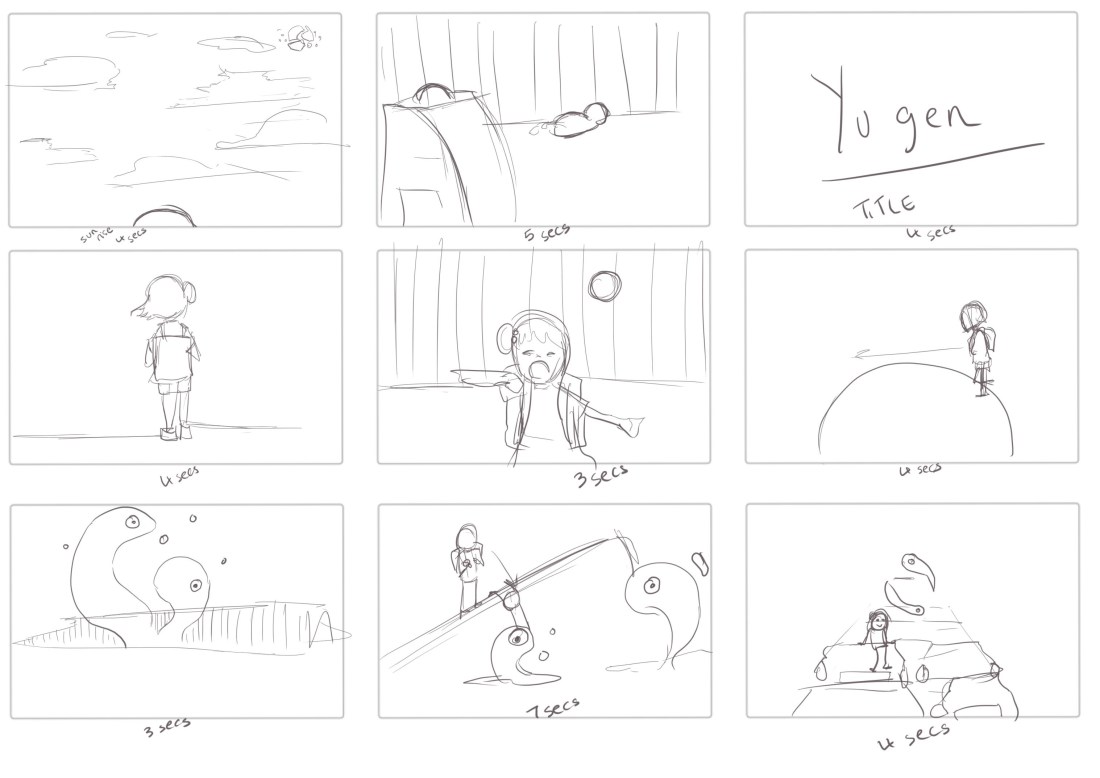
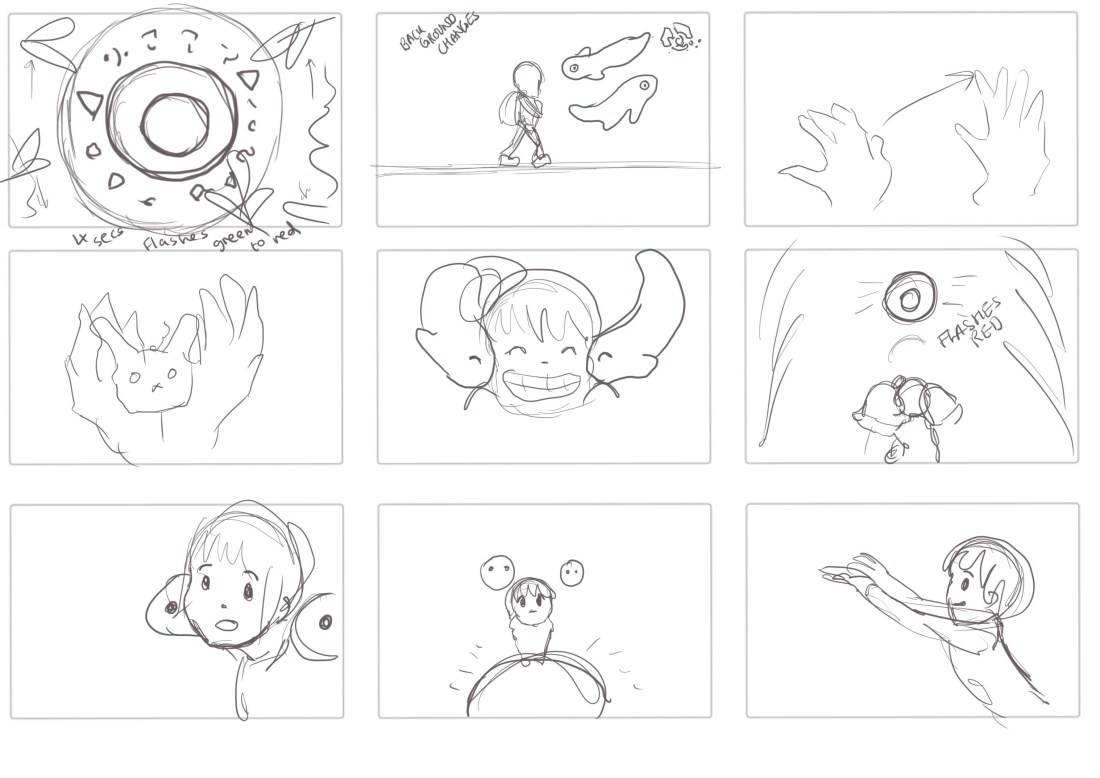
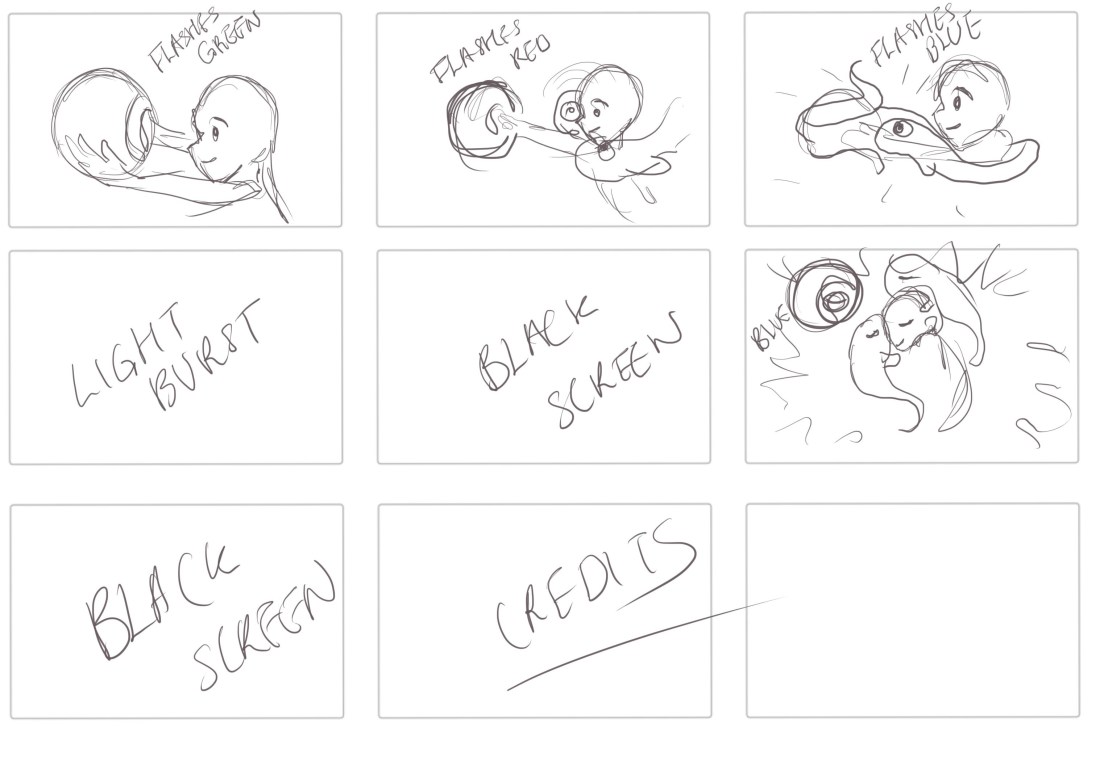
I decided that looking back over my initial incompleted storyboard that some of the scenes were just way too long and there was no way that I was going to be able to condense down the animation with all those scenes into 60 seconds. I realised I needed to edit and cut out certain parts of the animation that were not needed for the clarity of the fable and continued to dissect and edit from there onwards.

I have now finished my new storyboard which I’m excited to start working on as so far it looks like it covers all of the elements and storytelling components that I wanted this piece to have. I’m going to start attempting an animatic this week now that I have a storyboard I am confident in.

storyboard 1 new newneweweww.jpgstoryboardd 22 newew.jpgstoryboard 3 newewew.jpg