Research sources List:
Google: I used google to source images and existing mediums to help inspire our work.
Development
This week me and Hannah had come with this idea which we were both excited for, I developed a storyboard but didn’t finish it due to some design work still needing to be done on the characters that are going to exist in this literal ‘under world’. I’m happy with our concept overall and I like the direction were heading in as well as our character designs which are progressing and looking more and more refined which is great. So this week I created a presentation on Prezi to update Helen on where exactly we are with the project as well as coming up with colour designs and our schedule that we will hopefully attempt to stick to if not in the future relook at if we find it’s not suiting us. I also had a go at creating a short animation from the beginning of our storyboard, the animation is very rough and not great but it’s coloured with some rendering and it was good for both me and Hannah to get an idea on some potential style choices we could make.
Strengths
Me and Hannah concluded that when it came to the story and overall concept in regards to planning out the animation that perhaps i need to be the one who became director and pushed things forwards as well as being decisive when it came to planning this project. So after I made the schedule for us and the final synopsis I then collected all of our work for the presentation as well as finalising the colour scheme for now. Again it’s early days and changes are bound to happen but I’m happy with the progress we’ve both made so far.
Areas to Develop
I need to make sure that me and Hannah keep on track with the character design and what are overall concept is going to be and how it’s going to continue to take shape, such as how we want to lay out this ‘under world’ and have it compare to the ‘upper world’. Once I have this information and we’re both happy with the decisions I can then finish the storyboard.
05/11/2018 – 09/11/2018 Week 7
Research sources List:
Youtube: Studio Ghibli Painting tutorials on digital software
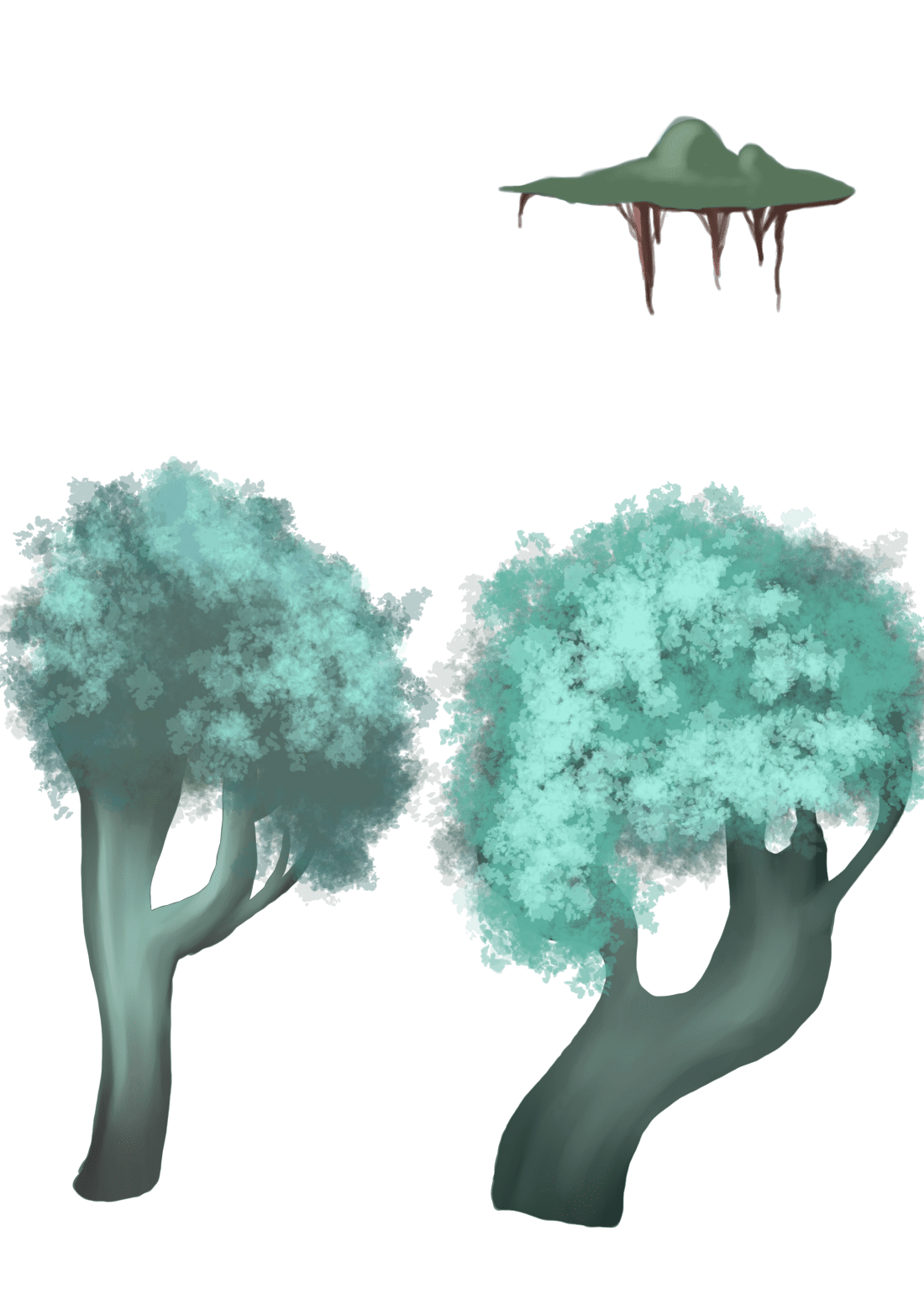
Google: Reference images for trees and organic matter
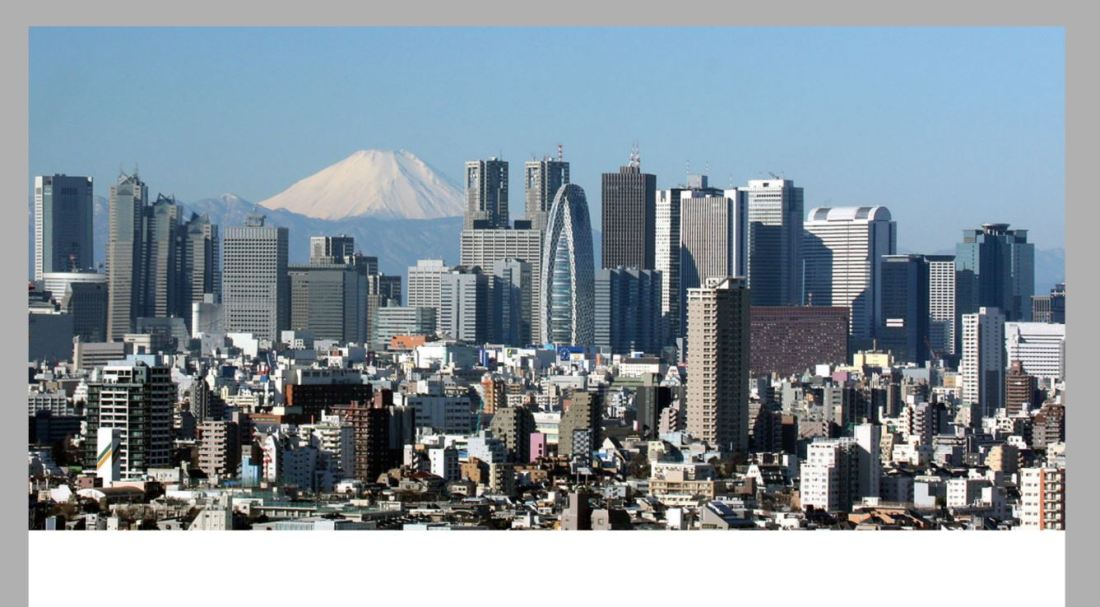
Google: Reference Images for Tokyo and city scapes
Development
This week I’ve begun my initial designs and concepts for my background work, as this is quite a major part of my project I looked up many youtube tutorials on digital colouring, studio ghibli inspired work and lighting. Like I had stated in my project proposal I am aware that I have never really specialised or spent time developing backgrounds especially ones that are not purely organic scenary. This has been a learning curve and I have also panicked at times realising how much work these backgrounds are going to take.
Strengths
I have pushed forwards in regards to last week and managed to have a completed storyboard and started my experimentation with backgrounds which is an area that I hoped to improve on throughout the fable project. I’m happy with the progress I have made when it’s come to colours and the overall concept and feel to the backgrounds but I’m still not happy with the buildings and need to figure a way of combining the organic matter with the industrial world.
Areas for Development
Next week I plan on developing my animatic and progressing further with the project as a whole such as sound design, finalised character designs and background design.
Practice Animation Test
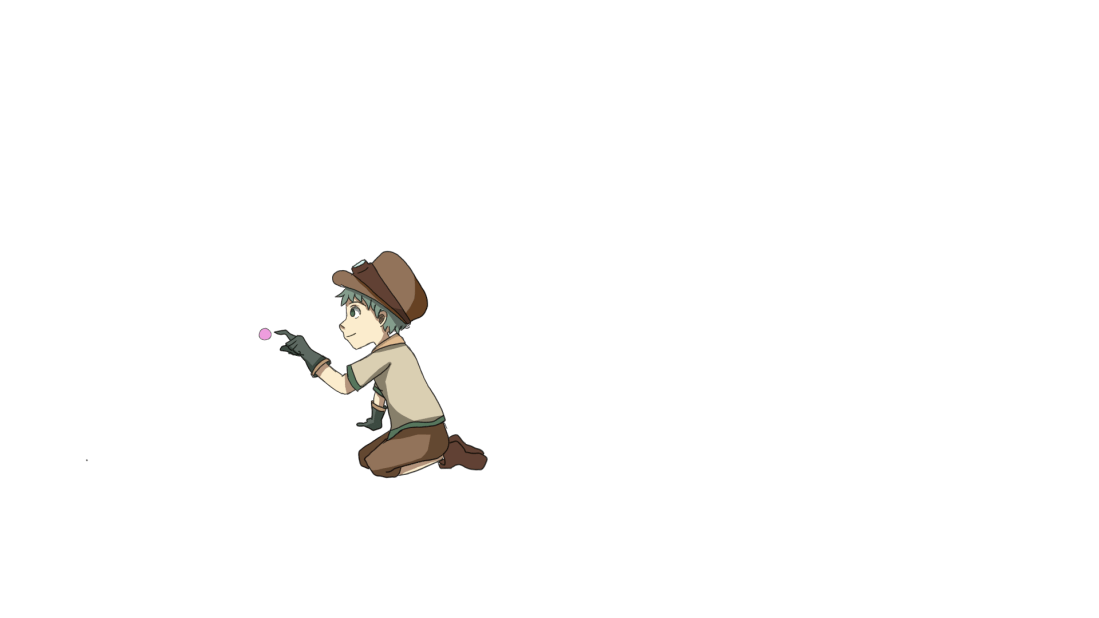
I decided to attempt to create a finished coloured rough animation inspired by our first scene in our storyboard. I decided to do this because me and Hannah are still undecided on what type of style we are wanting to use for our animation so I had a go at creating something in the same style as my fable. The animation isn’t the best but that wasn’t my goal or purpose when animating this, I wanted to be able to give Hannah an example of what we could do. Hannah really liked this style and the detail in the backgrounds so this means it was a good decision to animate this. We will however keep exploring with ideas and styles.
I used TVPaint to create the rough animation before outlining it and importing it into Paint Tool Sai where I coloured and shaded each frame. I then re-exported these files as PNGS and imported them back into TVPaint where I was able to export the animation with no background and begin layering the animation and background in After Effects.

Background Process
In order to create my backgrounds, I did initially attempt to draw the buildings but they were looking tacky and not of high quality so I felt kind of stumped on how I was going to be able to create my cityscape background. I then started watching a few youtube videos especially the ones on how anime artists create their backgrounds and I realised alot of it was tracing. A lot of the artist would trace the scenery very much like the one below but add their own style and colours to the drawing. I never considered tracing but I realised that this was going to be the most time efficient method for me to use along with the best quality of image.
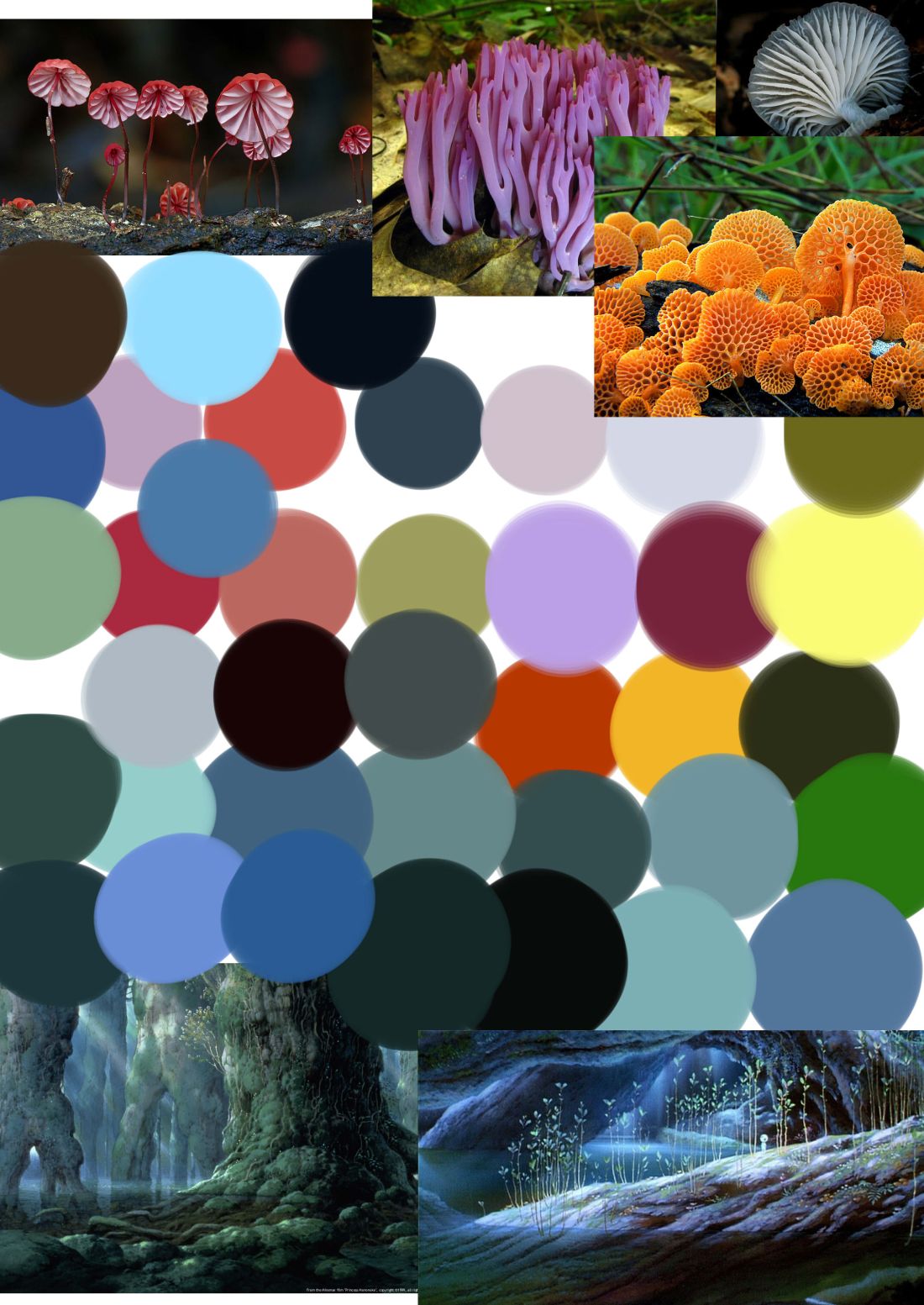
Here is my moodboard for colours and inspiration which I continued to refer to.
Although using the buildings as a guideline was quicker in some respect, I did still have to make all the tiny windows and shading and layers which was still extremely time consuming.
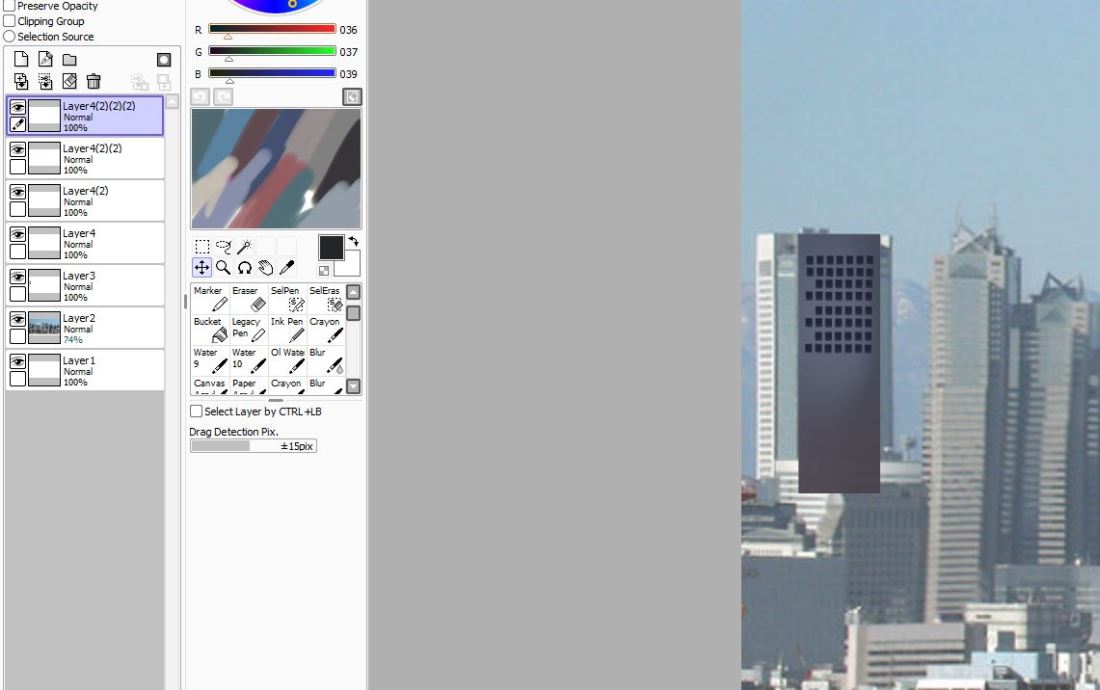
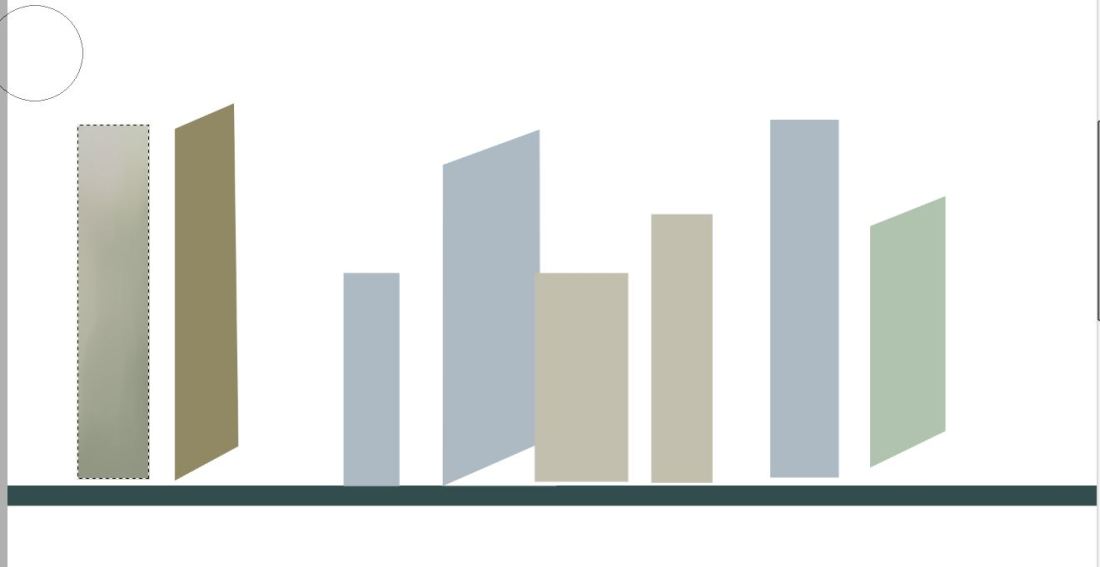
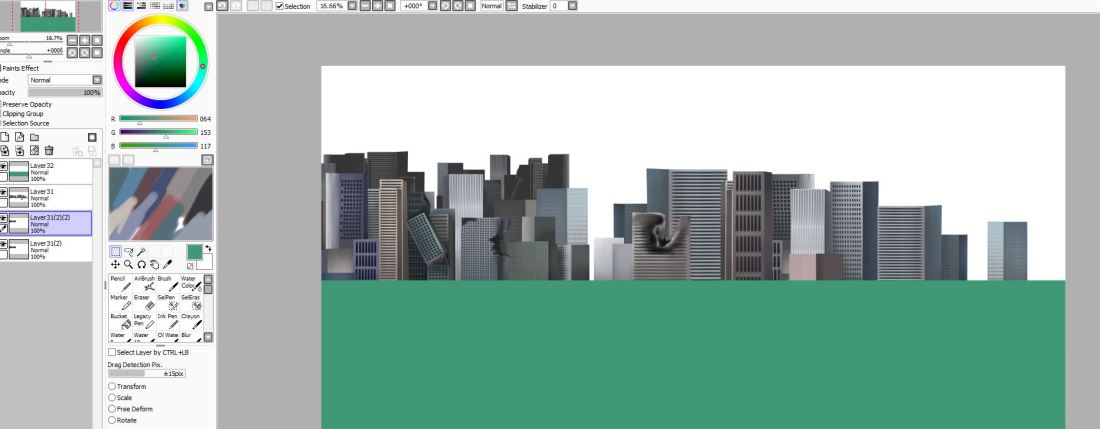
Once I had finished with all my layers and had gone in with the illuminosity and shading tools I took my image into Paintstorm where I added the foliage and the clouds to give the buildings the old and worn down apocalyptic look.
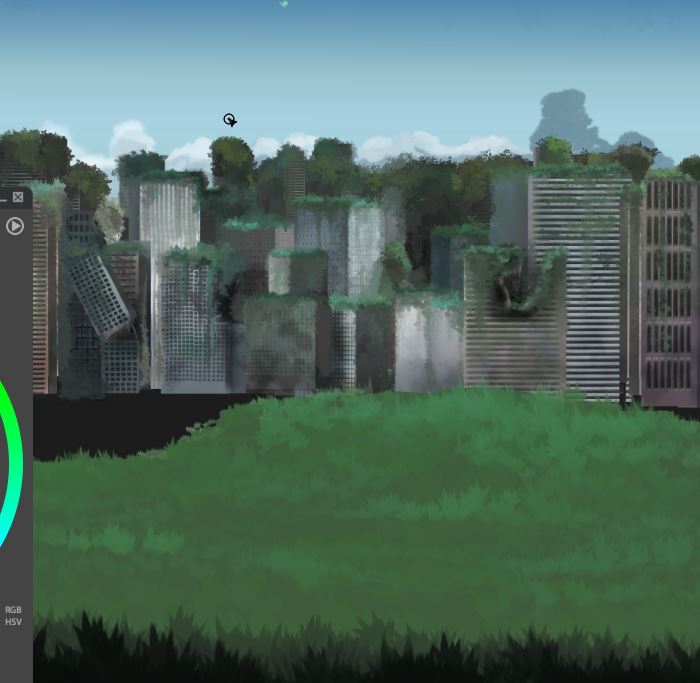
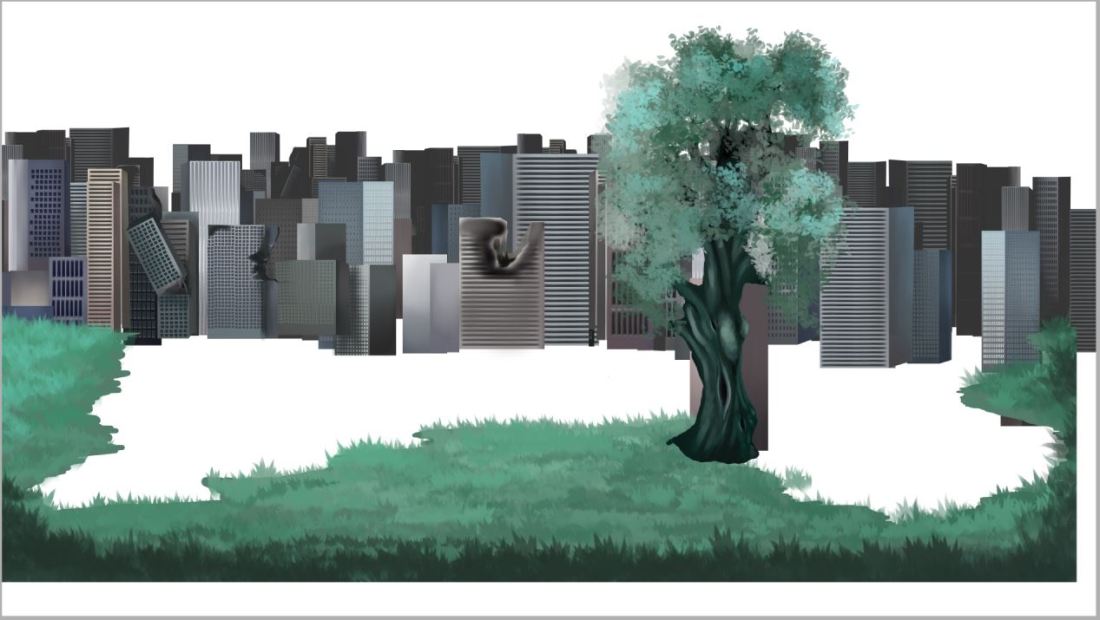
heres a screenshot just to demonstrate how I’ve decided to go about compositing these backgrounds. Each layer is kept separate and is converted into a PNG file where I plan to composite them all together and edit them on After Effects. This way it is so much easier to add realistic light and shadow when you can select the layers seperately.
 CCH-Animation Degree