NUA- Year 3 Animation Blog
Work and Research for the project ‘Fable’.
So this scene was one of my favourites to animate, I loved trying to reflect her personality and play around with different parts of the movement, such as hair, her T-shirt, facials movements and the arms.
Once I re-imported the scene back into TVPAINT I realised something was slightly off, I wasn’t keen on how fast the animation was. I decided to make two exports, one at 24frames per a second and one at 15. I asked a few people what they preferred and everyone agreed that the slowed down version was more realistic.
Below I have begun colour each frame by following my finalised design of my character with the selected colour script, I have also chosen to add shading because although this mean’t that I had spent alot more time on each frame, i would have the desired outcome in regards to how I would of wanted the entire fable to look.
After exporting the scenes as PNG sequences I would then open one up at a time in Paint Tool Sai and begin the colouring process. Once each frame has been coloured and shaded I would then save each layer as a PNG before importing them back into TVPAINT and exporting the file as an animation with no background.
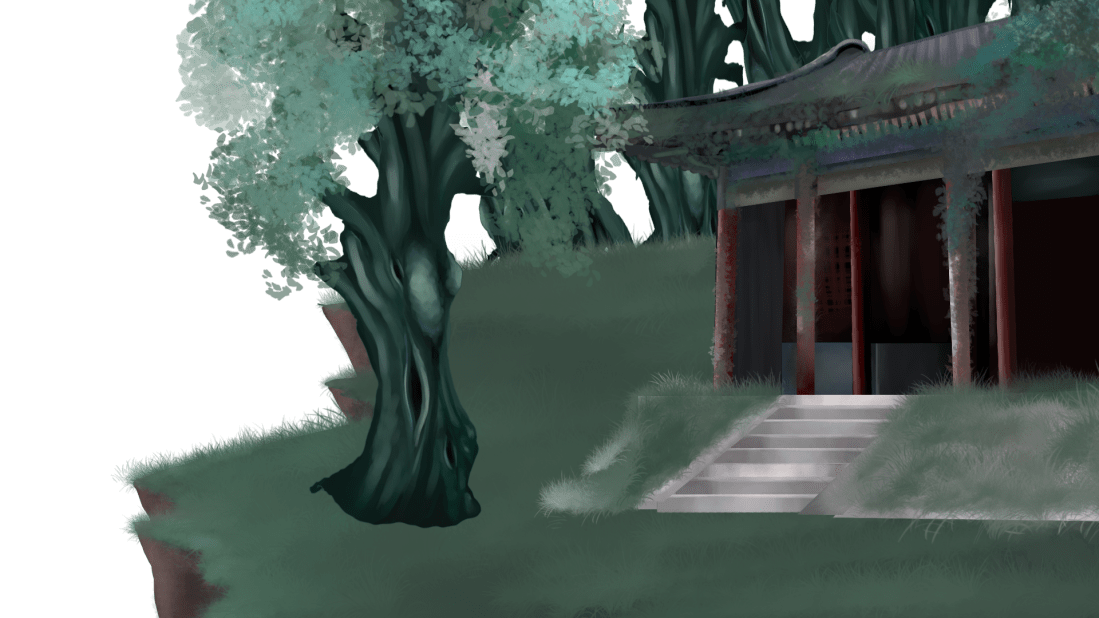
While looking on the internet I came across more pieces which I found to be beautiful of abandoned places within Japan. I would love to use and develop more of these in my piece but I think my aim is after this projects submitted to come back to these and create more wotk under a similar theme and concept.


 CCH-Animation Degree